v0.5 Beta Available

Designed for one thing:
Speed.

Stop staring at raw FITS files. Instantly visualize, sort, and clean your astrophotography data before you even open your heavy processing suite.

Watch Demo Video

FITSFASTANALYSE in action

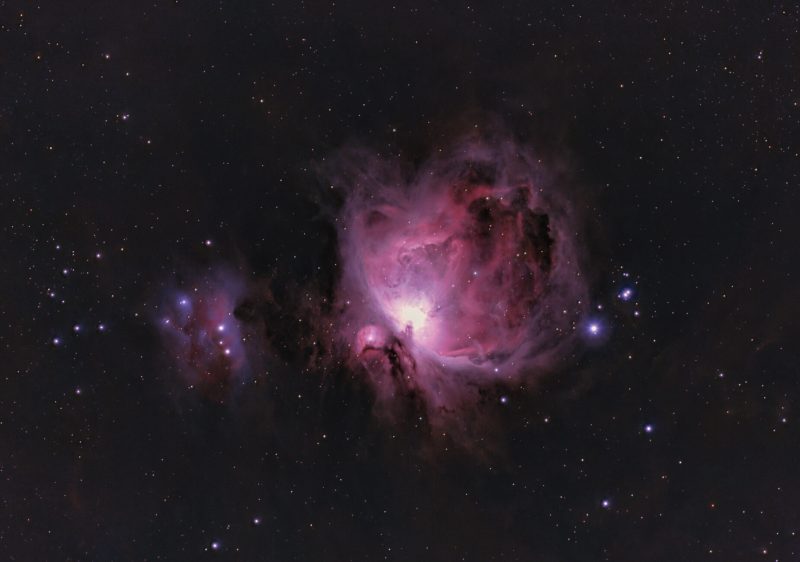
Get that early dopamine hit. See if your session was worth it before committing hours to processing.

Instant Visual QC

Automatically scans folders and generates contrast-stretched JPG previews. Spot satellite trails, star trails, or blur in seconds without opening heavy software.

Auto-Detection Mode

Automatically filters for bad stars, star trails, and clouds.

Data-Driven Sorting

Displays background quality and star counts per image. Make informed decisions on which frames to keep based on hard data, not just a quick glance.

One-Click Cleanup

Quickly identify bad frames and move them to a dedicated bad_images subfolder with a single click. Keep your workspace pristine.

The "Live Preview Stack"

Get an early dopamine hit! It creates a rough stack and stretch of your data so you can see if the session was worth it before you commit to hours of processing.

Privacy & Storage Friendly

All temporary JPG previews can be auto-deleted on exit. No clutter, no permanent footprint on your drive unless you want it there.

System Requirements

Optimized for Windows 11. Choose the tier that fits your rig.

Minimum

  • Windows 11 (64-bit)
  • Dual Core CPU
  • 16 GB RAM
  • 500 MB Free Disk Space
Best Value

Recommended

  • Windows 11 (Optimized)
  • Intel/AMD Quad Core
  • 32 GB RAM
  • 1 GB Free SSD Space

High Performance

  • Windows 11 Pro
  • 8+ Cores (Ryzen/i7/i9)
  • 64 GB+ RAM
  • NVMe SSD Storage

Security Verified

Your safety is a priority. The build fast_fits_viewer_v12 has been scanned by Microsoft Security Intelligence with zero threats detected (Cloud & Client protection active).

A Vibe-Coding Project

Born as a weekend project using Google Antigravity. Proof that modern coding is about flow and creativity, not just syntax.

Fuel the development! 🚀